Which plan includes staff shift management?
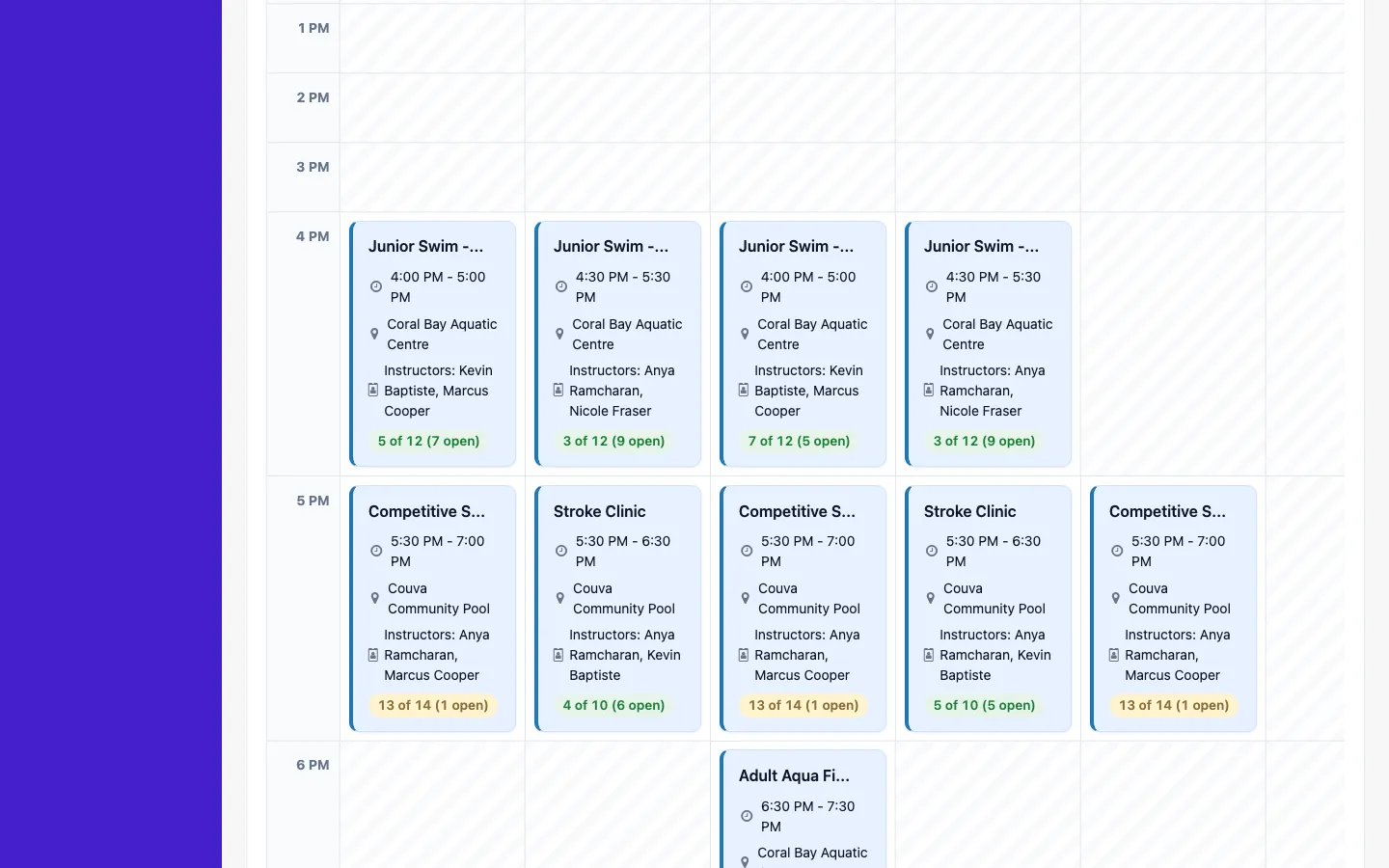
Shift planning and the staff activity/audit log are part of the Ultimate plan. Staff schedule viewing, unlimited staff accounts, and custom roles are available from the Professional plan up. Open shifts and approved swaps are currently available on Ultimate. Clock-in and attendance approvals are currently available on Ultimate.
Can staff swap shifts with each other?
Yes. On the Ultimate plan, staff can request a shift swap and it goes through an approval step, so a manager always signs off before coverage changes.
Does this work on mobile?
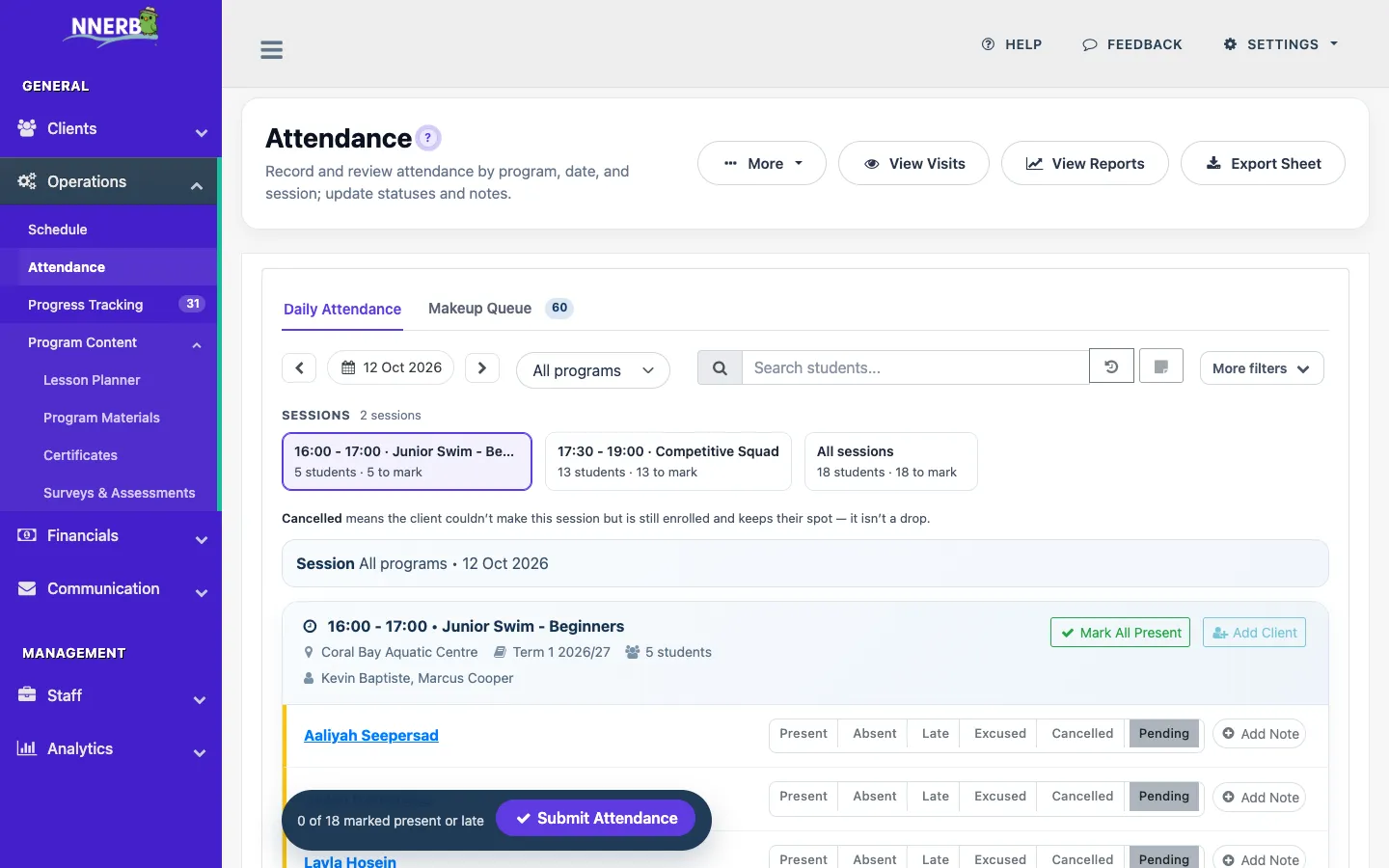
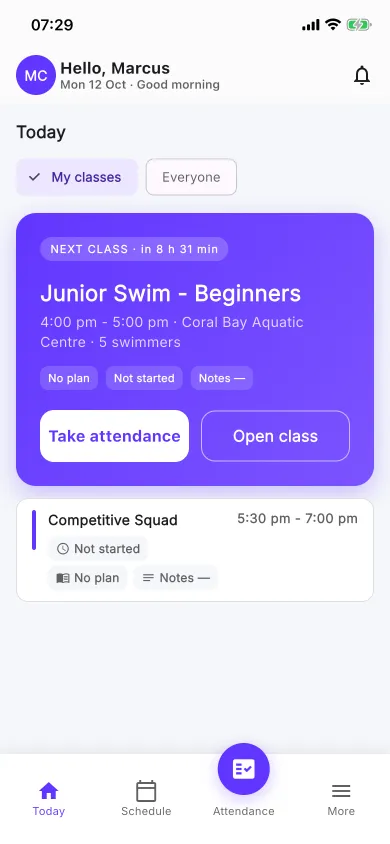
Yes. The Staff App lets staff check their schedule, record attendance, and see planned lessons from their phone. It is on Google Play and the App Store, free with your account — there is no per-staff charge. Planned Lessons is on the Ultimate plan.
What can coaches do in the Staff App during a class day?
The Staff App opens on Today, with each of the coach's classes and the next step to take. After attendance, a coach can wrap up all of the day's finished classes in one tap and add a note to any class later. Coaches can sign in with Google or Microsoft, or with Apple on iPhone, and switch the app to dark mode. On the Ultimate plan, planned lessons add set descriptions, set and class notes, and plan changes from the phone.
Can I control what staff can see and do?
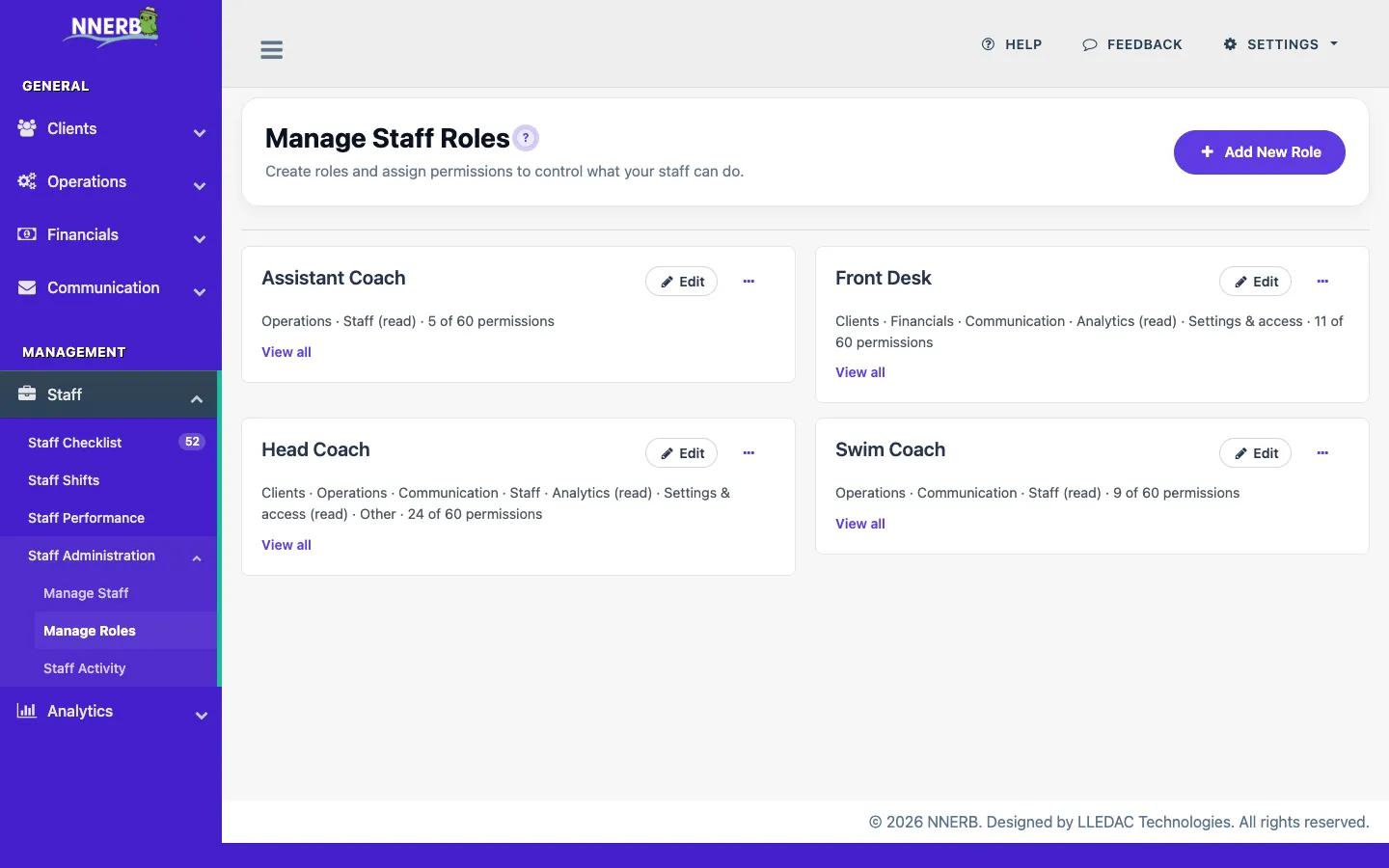
Yes. Custom roles let you scope access by job — an instructor, front-desk staffer, and admin can each see only what's relevant to them, without exposing your full account.